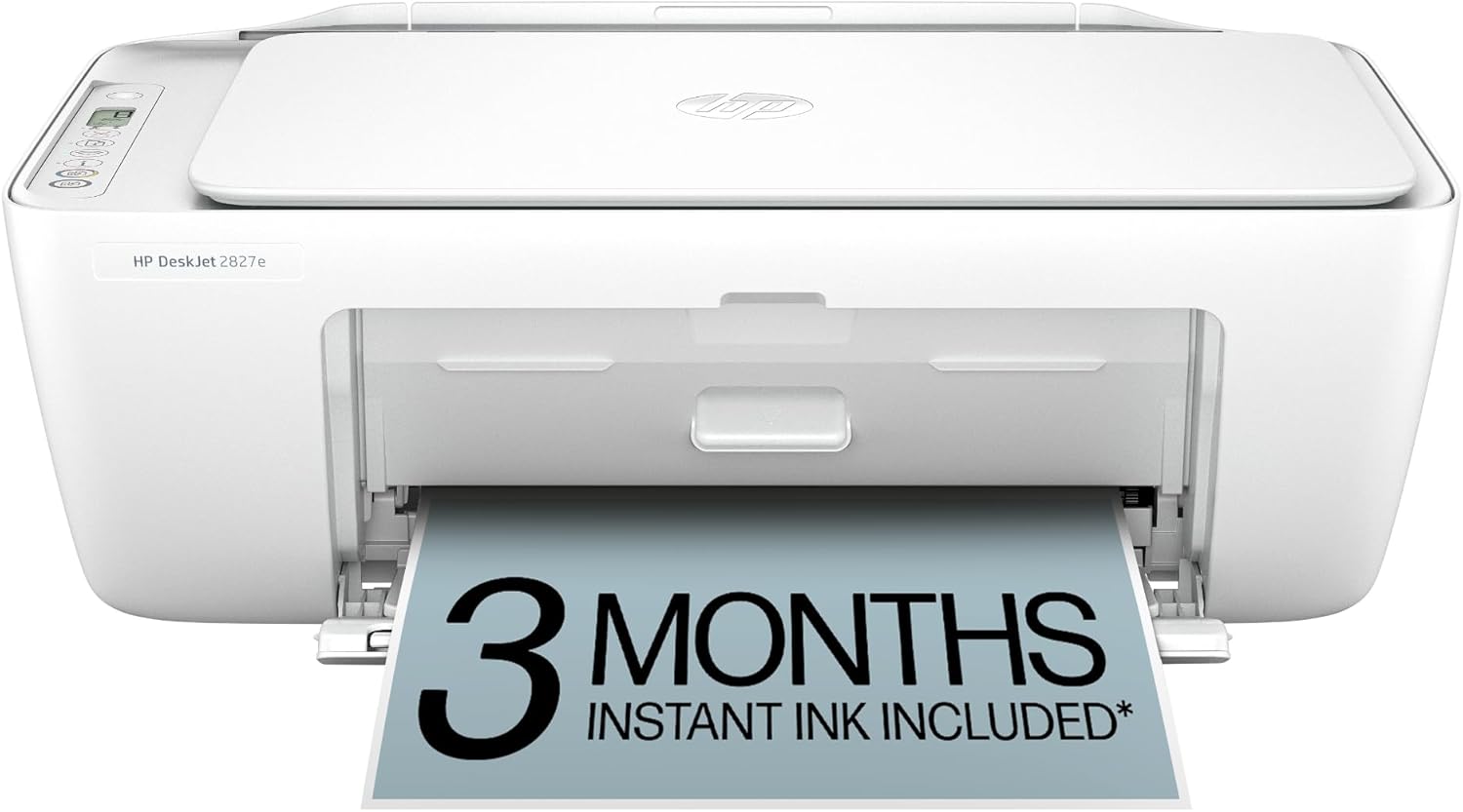
DeskJet 2827e Wireless All-in-One Color Inkjet Printer with Print, Scan & Copy for Everyday Home Printing
$59.99
Affordable wireless all-in-one inkjet printer for everyday home printing with print, scan, and copy.
Compact wireless inkjet printers perfect for home offices, schoolwork, photos, and everyday printing needs. Home users benefit from compact inkjet printers that produce high quality photo and document prints with minimal setup. Students and families find affordable options for schoolwork and everyday needs. Browse 11 products available in this category. All printers are brand new and shipped in factory-sealed packaging from the manufacturer.
All printers include free shipping on orders over $99, manufacturer warranty coverage, and a 30-day hassle-free return policy. We ship to all 50 US states including Alaska and Hawaii with delivery in 5 to 7 business days. We accept Visa, Mastercard, American Express, and Discover. All payment transactions are processed through secure, encrypted connections.
Not sure which printer is right for you? Our Inkjet Printer Buying Guide covers key differences between printer types including print speed, print quality, connectivity options, ink cost per page, and paper handling capacity. You can also browse our other category: Office Inkjet printers. Contact us at support@inkjetmart.us and our team will recommend the best printer for your needs.
Top rated products in this category include the Envy 7255e for creative home photo printing, the Envy 7958e for high-quality home printing, the Envy 7955e for versatile home use with auto duplex, the DeskJet 4255e for students and everyday home printing, and the Smart Tank 5103 for affordable high-volume home printing. Budget-friendly options include the DeskJet 2827e and DeskJet 2855e for basic wireless printing, while the Envy 6555e is ideal for auto duplex printing at home.
$59.99
Affordable wireless all-in-one inkjet printer for everyday home printing with print, scan, and copy.
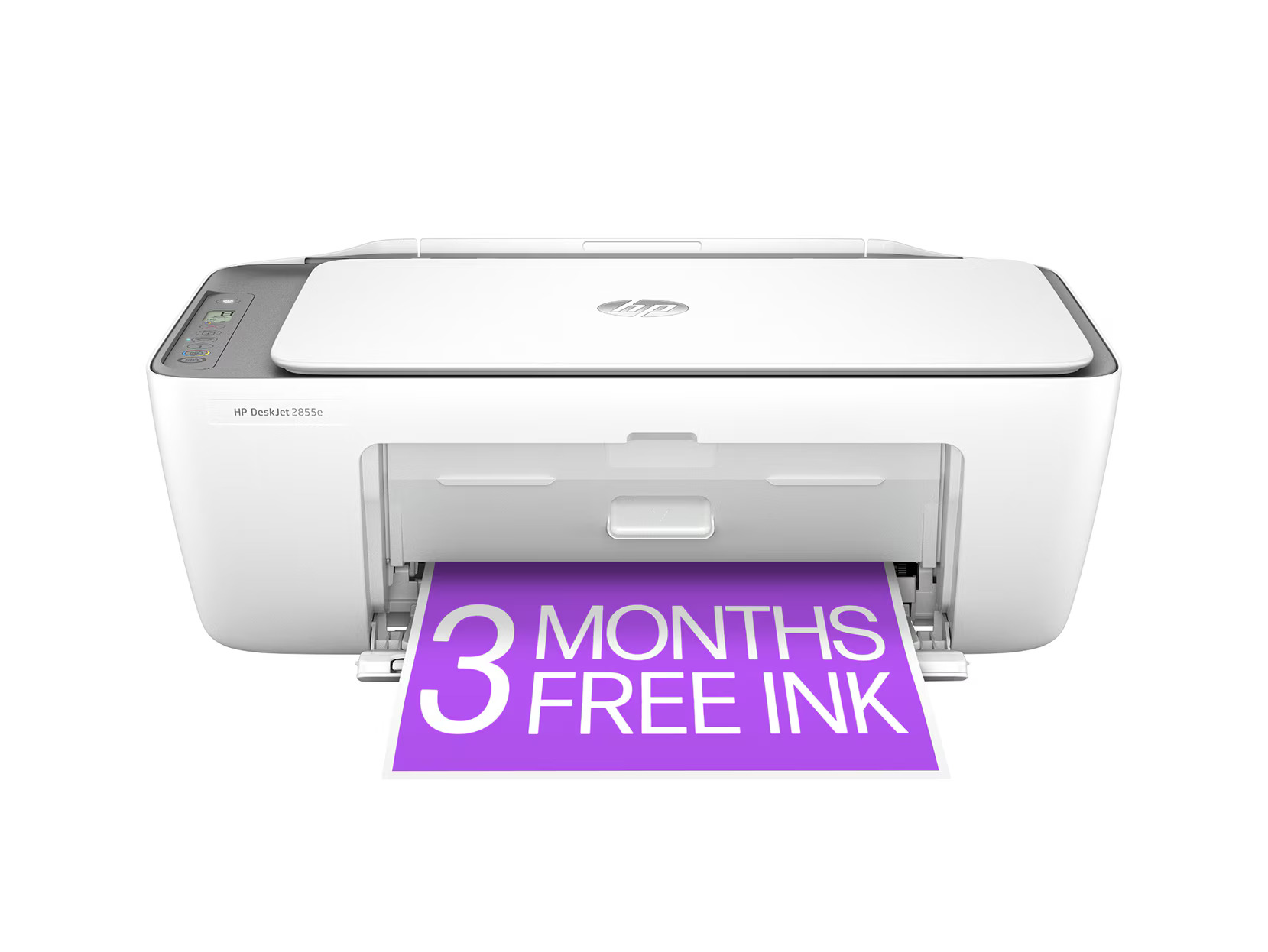
$89.99
Versatile wireless all-in-one inkjet printer with print, scan, and copy for home use.
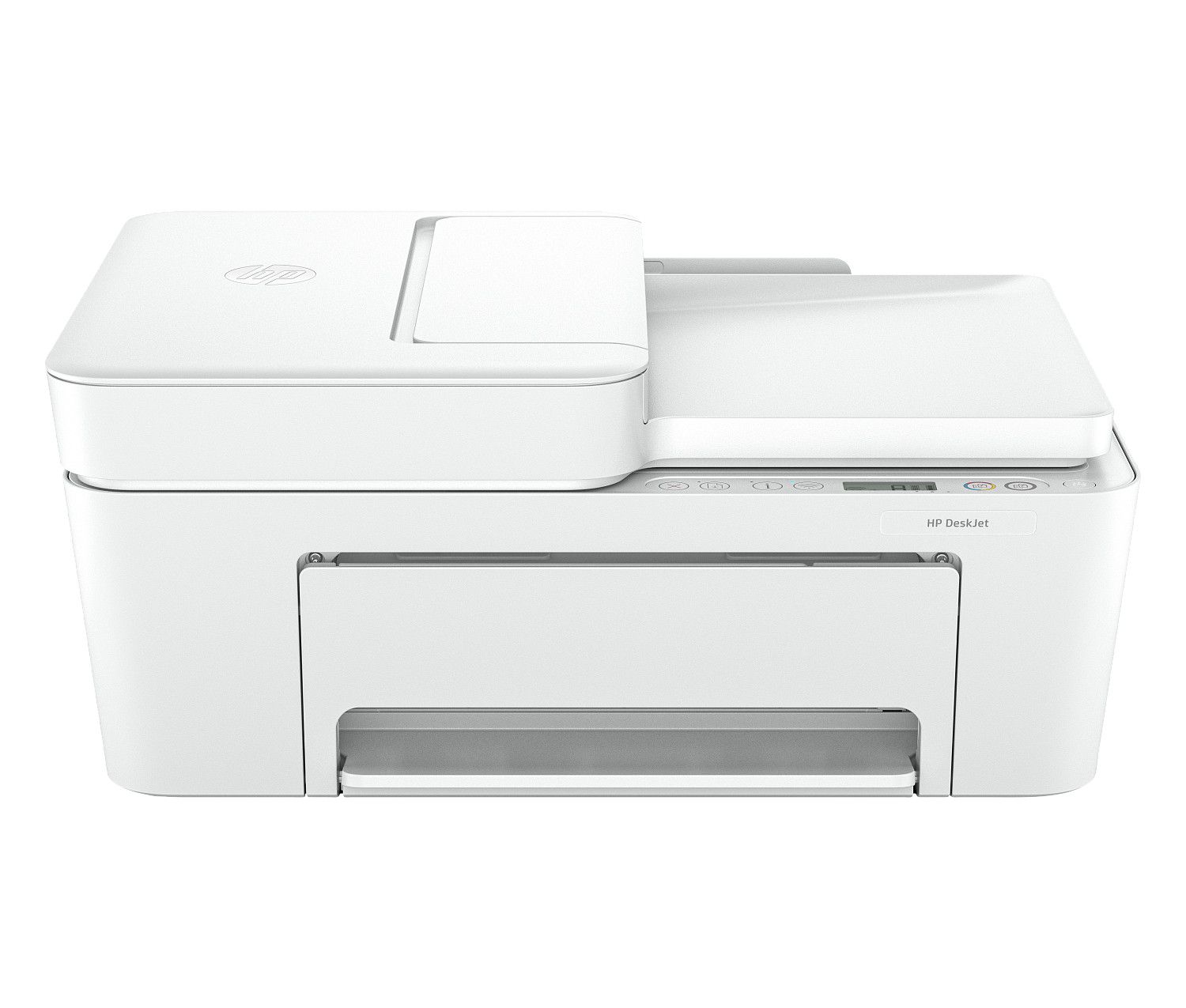
$109.99
Feature-rich wireless inkjet printer ideal for home and student printing needs.
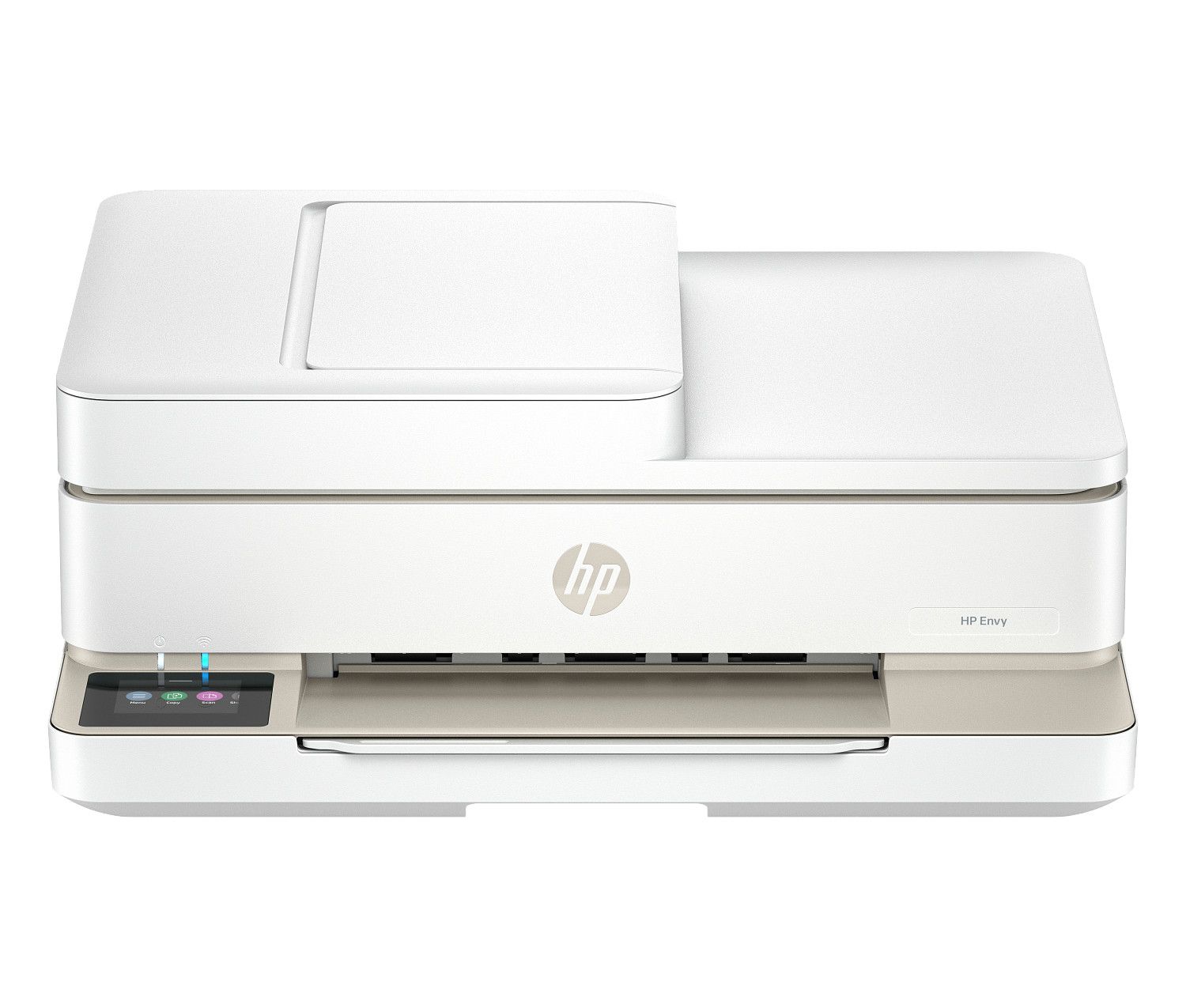
$179.99
Wireless all-in-one color inkjet with automatic two-sided printing for home efficiency.
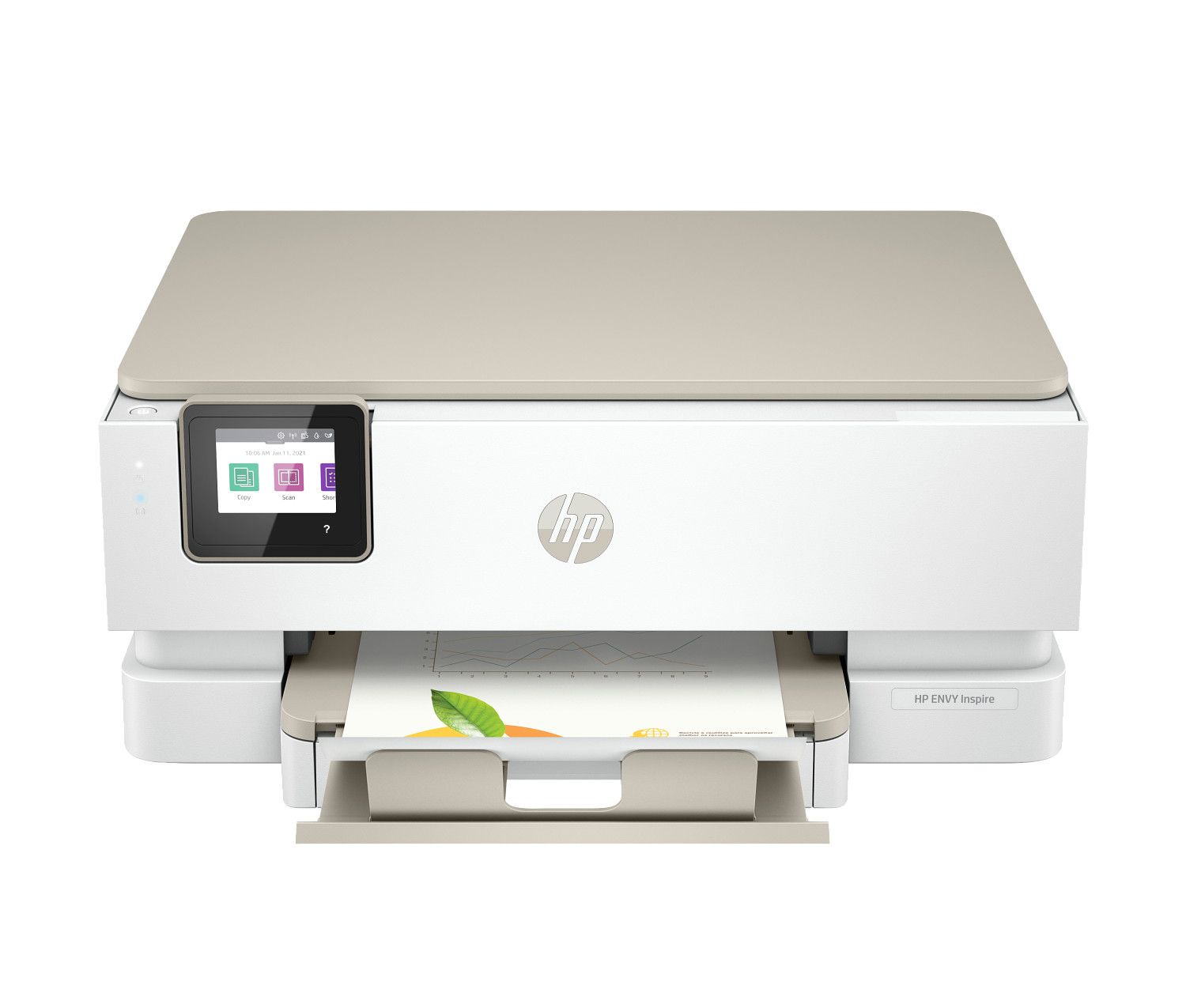
$209.99
Photo-focused wireless all-in-one inkjet for home and creative printing projects.
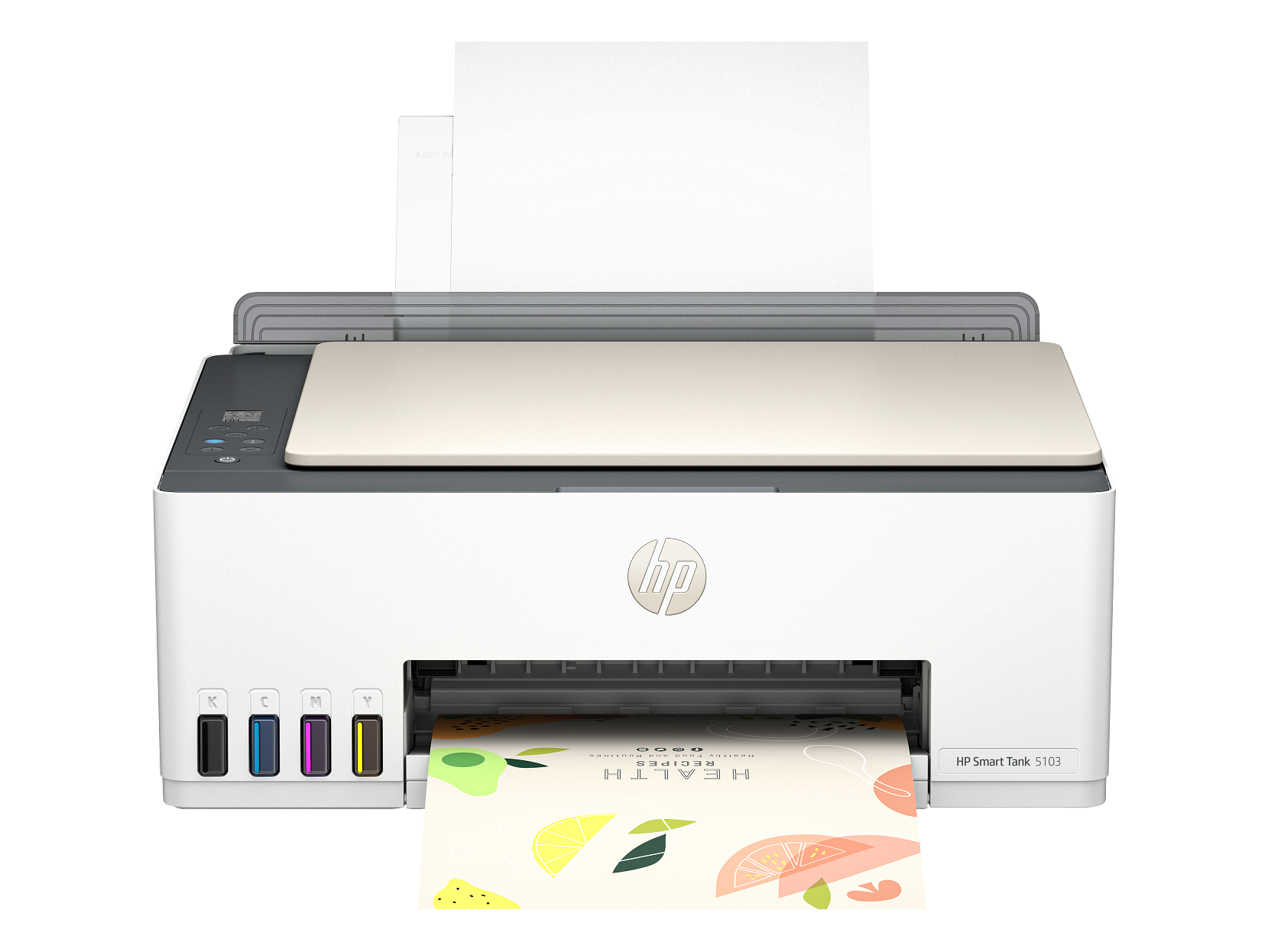
$219.99
Cost-effective wireless ink tank printer for everyday home printing needs.
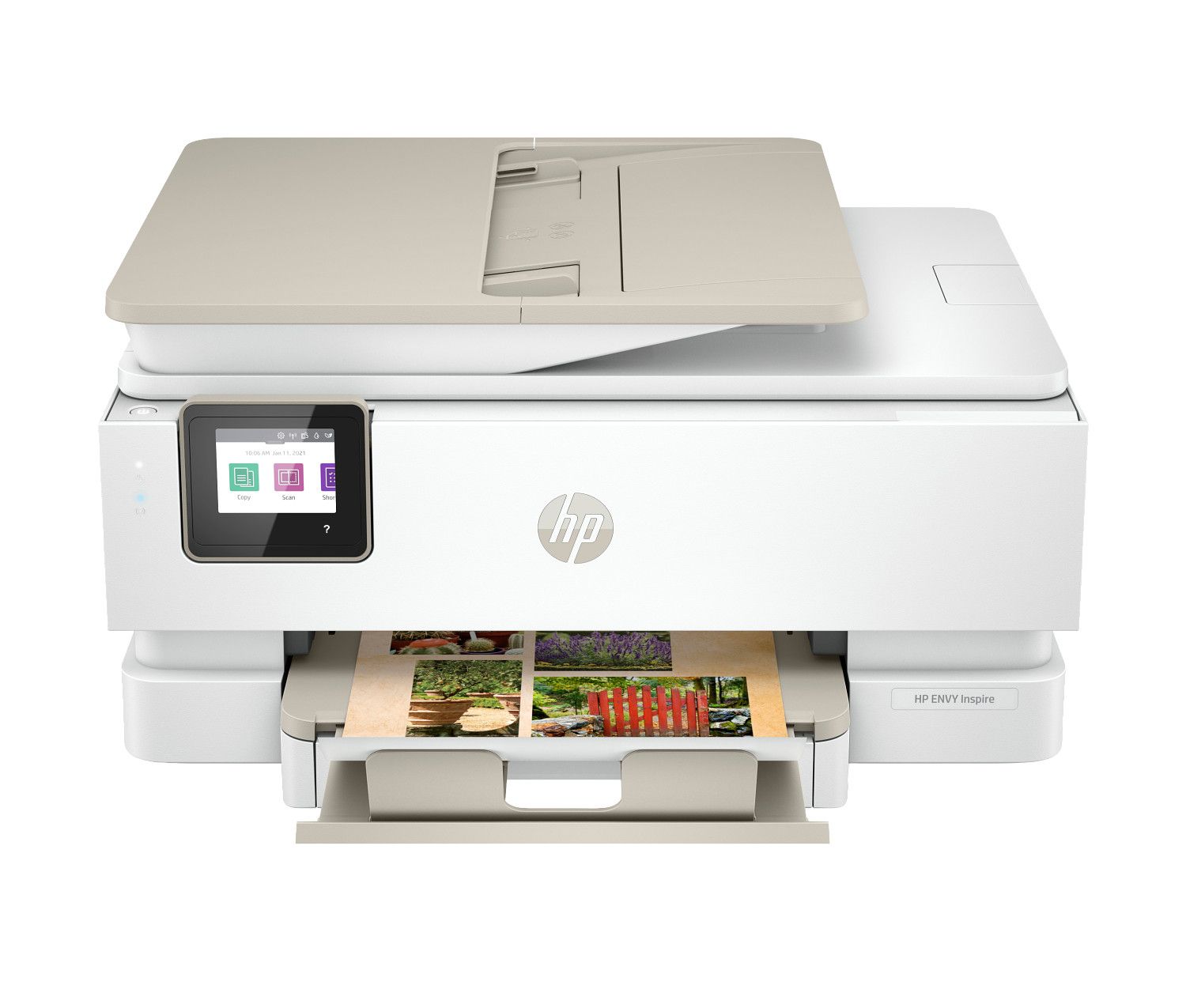
$229.99
High-quality photo all-in-one inkjet delivering exceptional prints for home use.
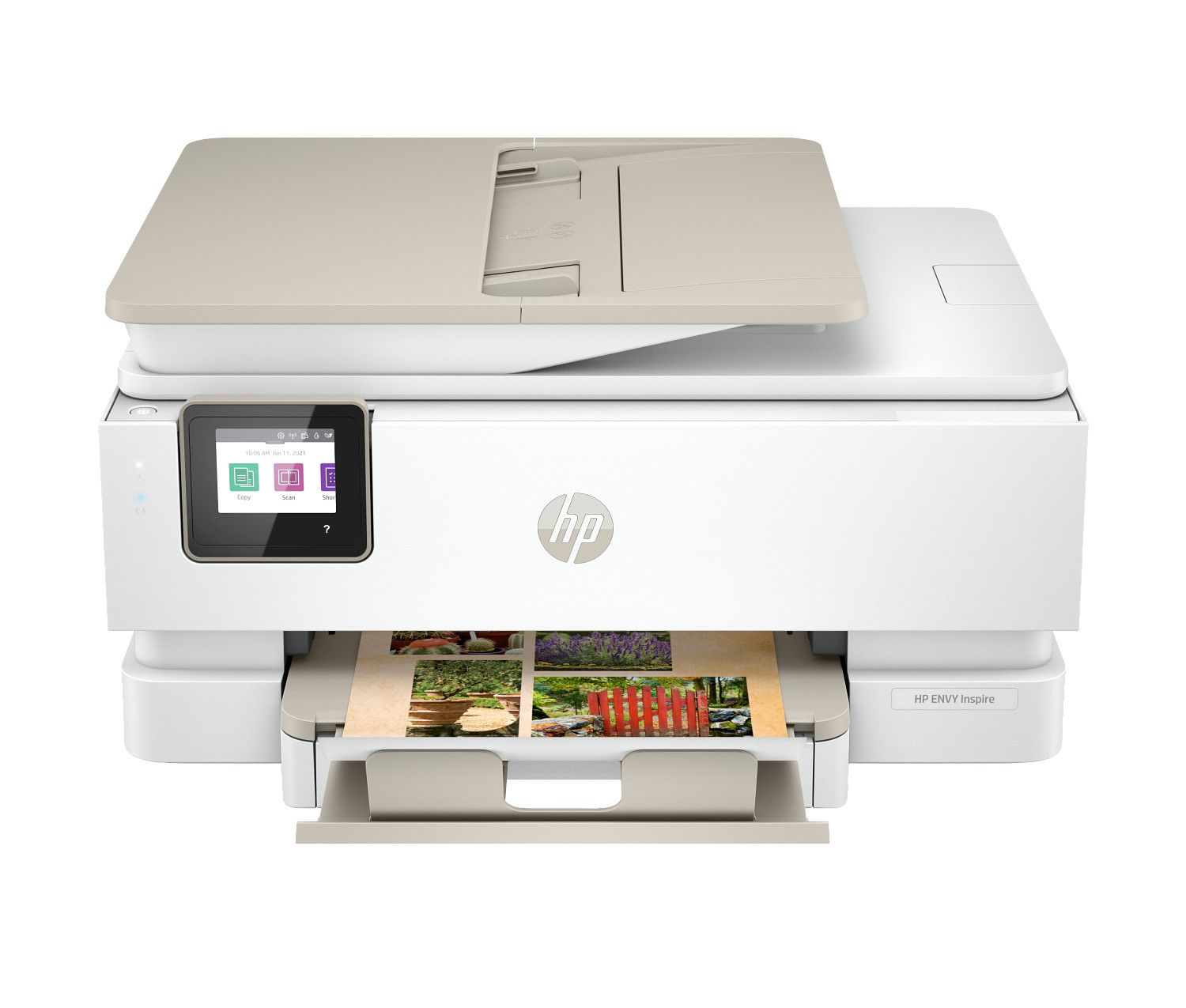
$229.99
Premium photo all-in-one inkjet with auto duplex for vibrant home printing.
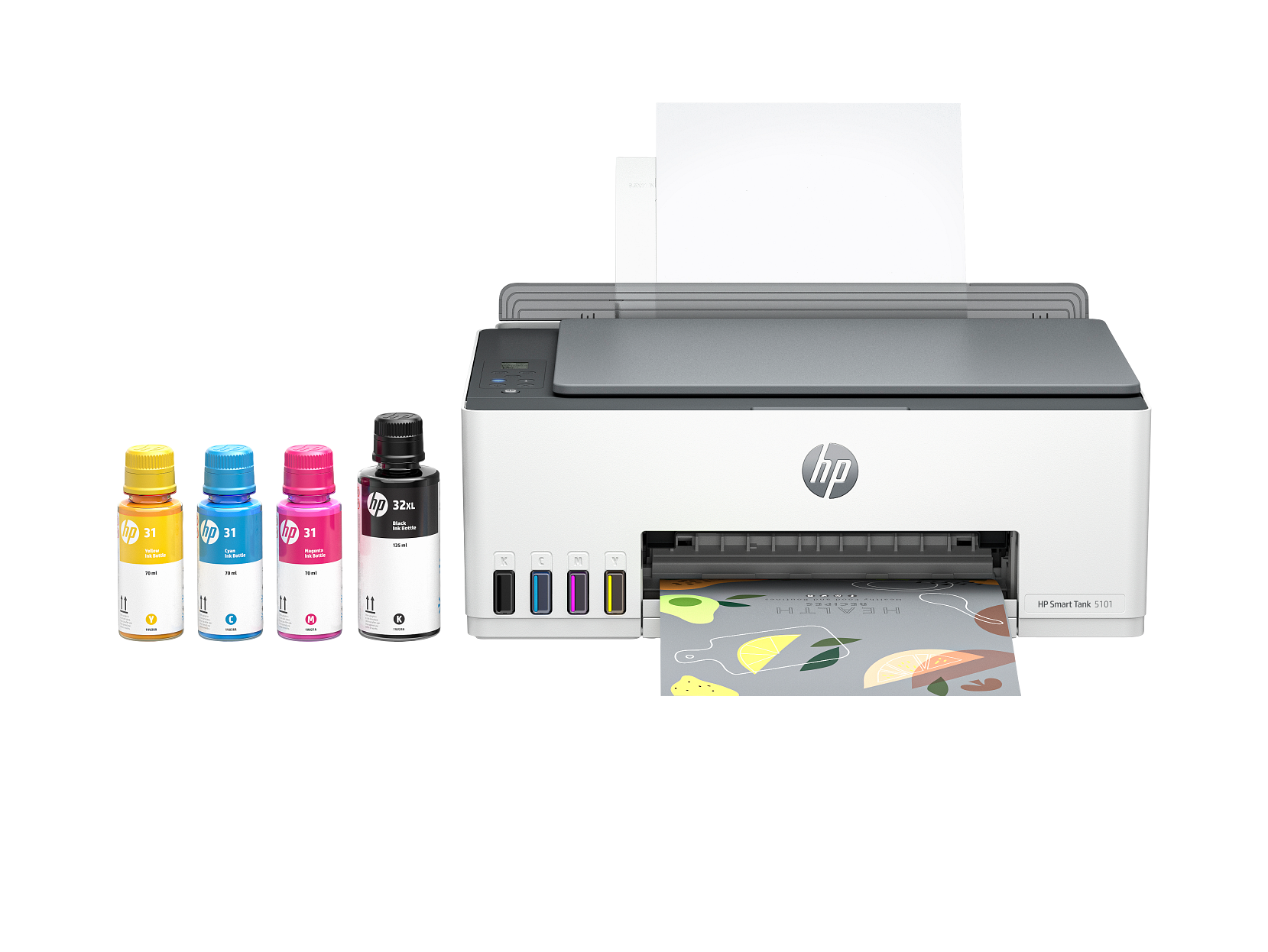
$259.99
Wireless ink tank printer with ultra-low cost per page for high-volume home printing.
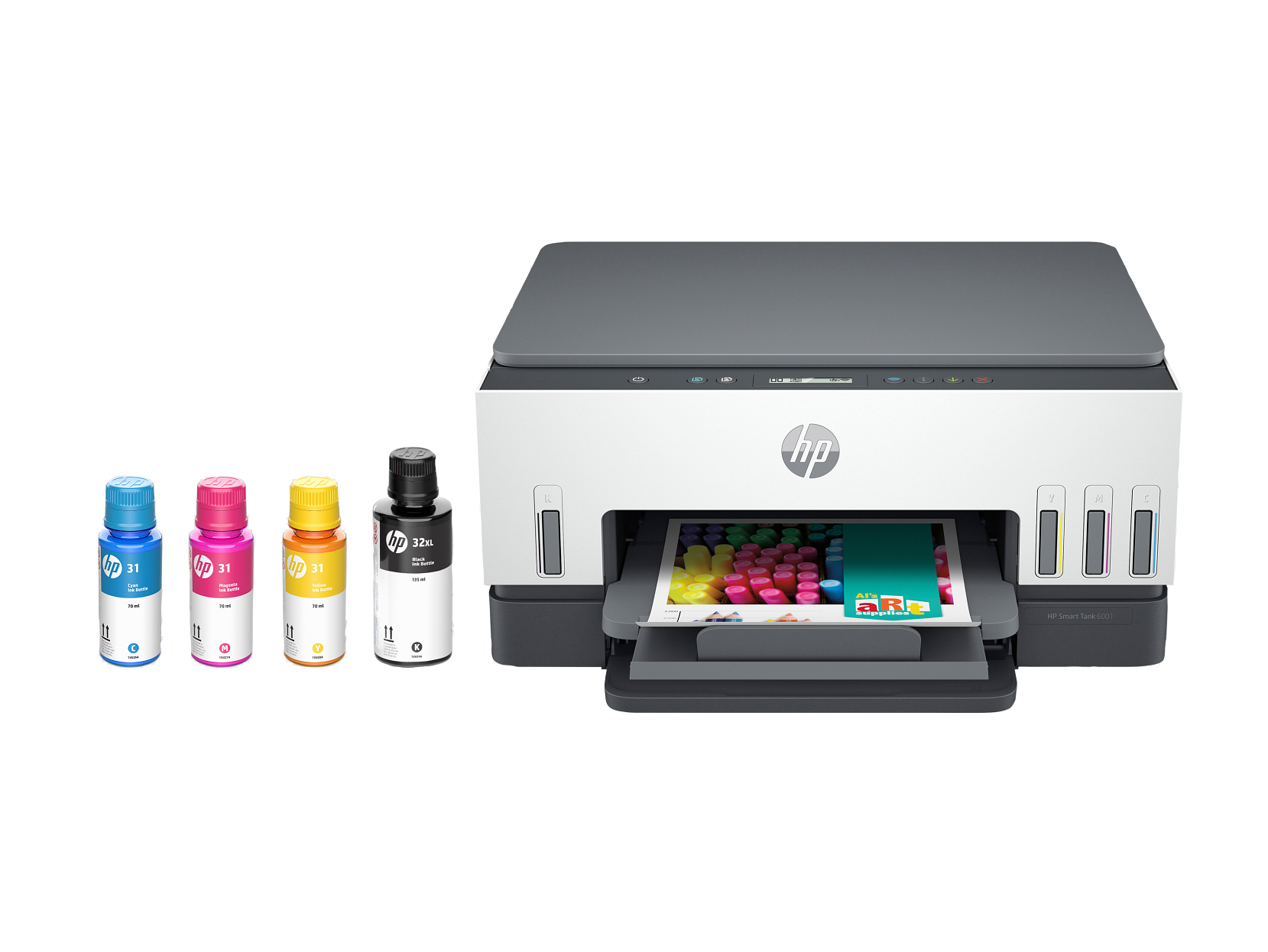
$369.99
Versatile wireless ink tank all-in-one for home and office environments.
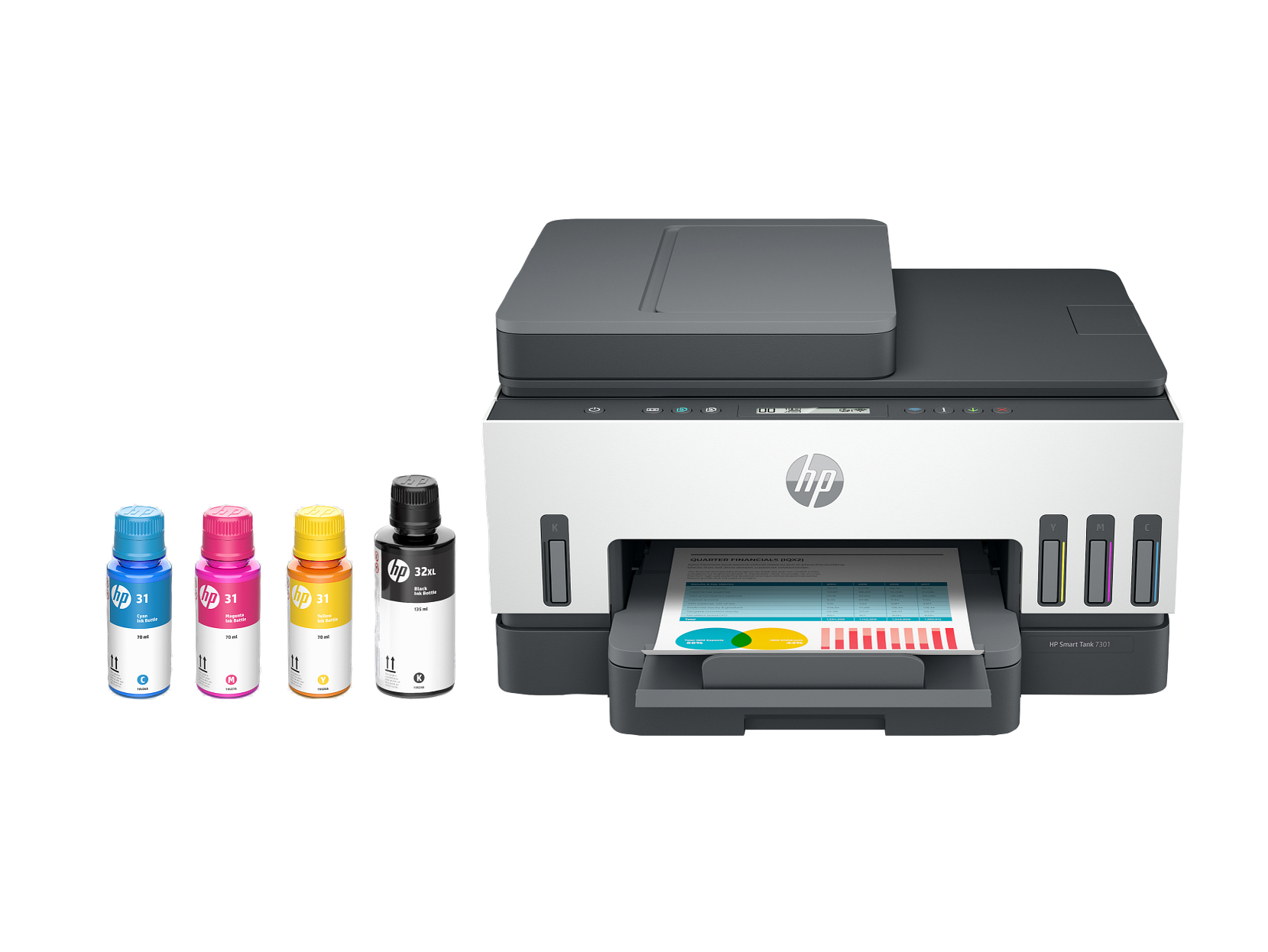
$449.99
Premium wireless ink tank all-in-one for versatile home and office printing.
Choosing the right home inkjet printer starts with understanding your household printing needs. If you primarily print text documents like homework assignments, recipes, and letters, a basic wireless inkjet printer with affordable ink cartridges is a practical choice. For families that print photos regularly, look for models with higher print resolution, support for glossy and matte photo paper, and borderless printing capability. Students who print frequently for school projects benefit from compact all-in-one inkjet printers that combine printing, scanning, and copying in a single device.
Print cost per page is one of the most important factors for home users. Traditional cartridge-based inkjet printers cost between twenty and fifty dollars per cartridge set and typically print 100 to 300 pages before needing replacement. Ink tank printers have a higher upfront purchase price but dramatically lower ongoing costs. A single ink tank refill costs ten to twenty dollars and prints 6,000 to 8,000 black and white pages or 6,000 color pages. For families that print more than 100 pages per month, an ink tank printer often pays for itself within the first year through ink savings alone.
Wireless connectivity is standard on virtually all modern home inkjet printers. Look for models that support Wi-Fi Direct for printing without a router, Apple AirPrint for iPhones and iPads, and Android print services for Samsung, Google, and other Android devices. Many printers also include companion smartphone apps that allow you to print photos, documents, and web pages directly from your mobile device. Some models support voice assistant integration with Amazon Alexa and Google Assistant for hands-free print commands.
Paper handling and size support vary between home inkjet models. Most support standard letter size paper (8.5 by 11 inches), legal size (8.5 by 14 inches), and common photo sizes including 4 by 6, 5 by 7, and 8 by 10 inches. Some models include dedicated photo paper trays for convenient switching between document and photo printing. Input tray capacity typically ranges from 60 to 150 sheets on compact home models. If you print large batches, consider a model with a 250-sheet tray to reduce the frequency of paper refills.
Home inkjet printers are ideal for printing photos at home. Modern models produce photo-quality output with rich, vibrant colors and seamless gradients that rival professional photo labs. For the best photo printing results, use manufacturer-recommended glossy or matte photo paper and select the highest quality print setting in your printer driver. Borderless printing capability allows you to print edge-to-edge photos without white borders, giving your prints a professional, polished look. Many home inkjet printers support sizes from wallet-size 2 by 3 inches up to 8 by 10 inches for framing.
Setting up a new home inkjet printer typically takes less than 15 minutes. Unbox the printer, take out all packing tape and shipping inserts, install the ink cartridges or fill the ink tanks using the included ink bottles, load paper into the input tray, and connect to your home Wi-Fi network using the printer's built-in display or the manufacturer's smartphone app. Most printers will print a test page automatically once setup is complete. You can install the printer driver from the manufacturer's website for full access to features and settings.
To keep your home inkjet printer in good condition, print at least a few pages every week to keep ink flowing through the nozzles. For print quality issues such as streaks or faded areas, run the nozzle care cycle from the printer menu. Use genuine ink cartridges or manufacturer-recommended ink refills for the best print quality and consistent results. Store extra ink cartridges in a cool, dry place away from direct sunlight. Keep the printer's paper tray closed when not in use to keep paper and internal parts free from dust.
Cartridge-based home inkjet printers typically cost between fifty and one hundred fifty dollars, making them an affordable entry point for light printing needs. Standard ink cartridges hold 5 to 15 milliliters of ink and print approximately 100 to 300 pages before needing replacement. A full set of replacement cartridges costs twenty to fifty dollars, which means the ongoing ink cost per page ranges from three to five cents for black and white and eight to twelve cents for color. Cartridge printers are best suited for households that print fewer than 100 pages per month.
Ink tank home printers cost between two hundred and four hundred dollars but offer dramatically lower ongoing costs. Each ink tank holds 70 to 170 milliliters and prints 6,000 to 8,000 black and white pages or up to 6,000 color pages per fill. A complete ink refill set costs ten to twenty dollars, bringing the cost per page down to less than one cent for black and white and approximately three cents for color. For families printing more than 100 pages per month, an ink tank printer pays for itself within six to twelve months through ink savings. Both cartridge and ink tank home inkjet printers deliver excellent photo and document quality when used with the recommended paper and print settings.