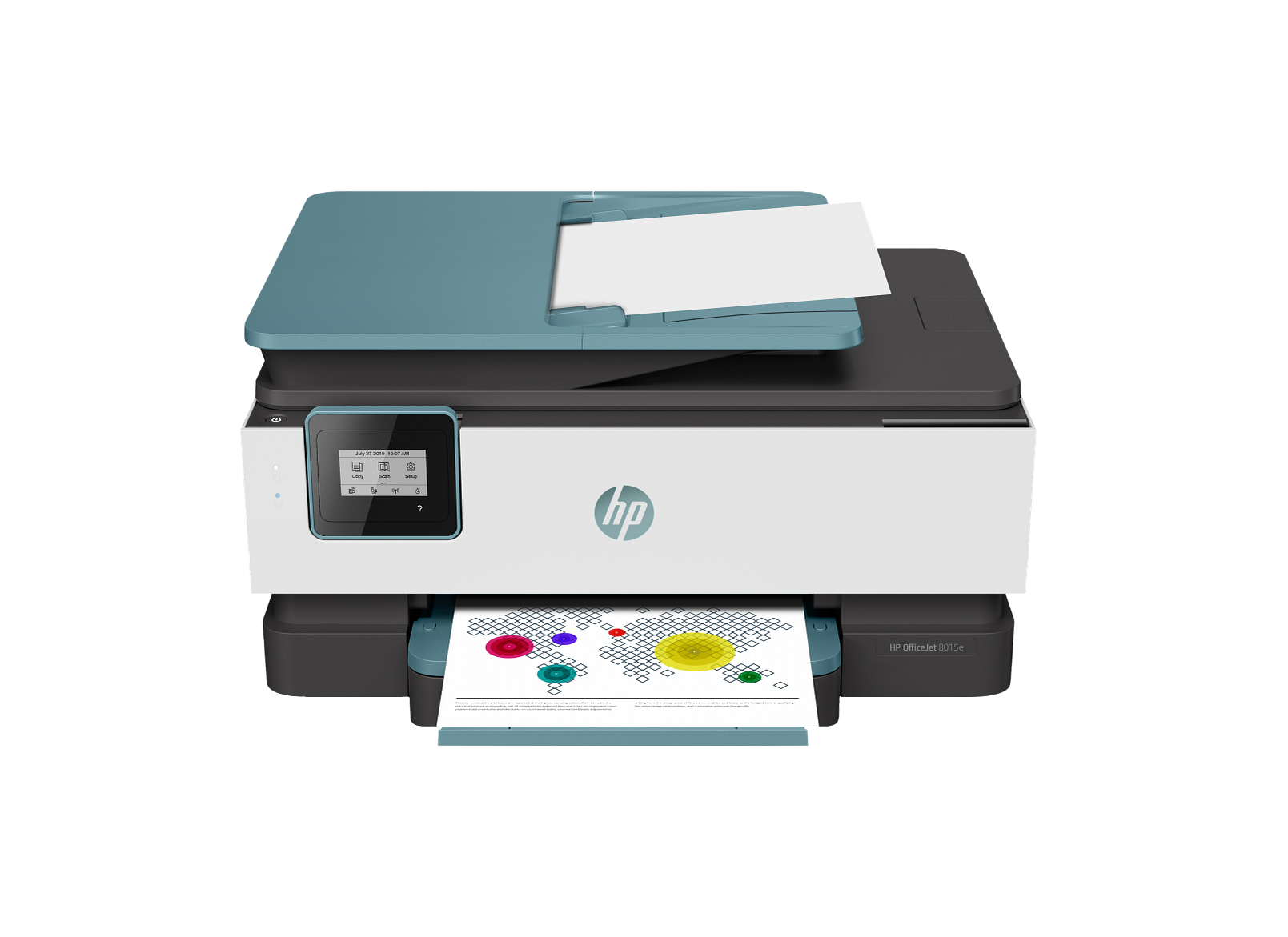
OfficeJet 8015e Wireless All-in-One Color Inkjet Printer with Print Scan Copy for Office Use
$159.99
Reliable wireless office inkjet with print, scan, and copy for everyday business tasks.
High-performance inkjet printers built for shared offices, remote teams, and high-volume workflows. Office models include features like automatic duplex printing, large paper trays, and network connectivity for shared environments. Small business users depend on multifunction printers with automatic duplex printing to reduce paper use. Browse 11 products available in this category. All printers are brand new and shipped in factory-sealed packaging from the manufacturer.
All printers include free shipping on orders over $99, manufacturer warranty coverage, and a 30-day hassle-free return policy. We ship to all 50 US states including Alaska and Hawaii with delivery in 5 to 7 business days. We accept Visa, Mastercard, American Express, and Discover. All payment transactions are processed through secure, encrypted connections.
Not sure which printer is right for you? Our Inkjet Printer Buying Guide covers key differences between printer types including print speed, print quality, connectivity options, ink cost per page, and paper handling capacity. You can also browse our other category: Home Inkjet printers. Contact us at support@inkjetmart.us and our team will recommend the best printer for your needs.
Top rated products in this category include the OfficeJet 9135e for versatile office printing, the OfficeJet 9730e for wide-format documents, the OfficeJet 8135e with ink trial, the Smart Tank 7602 for high-volume ink tank printing, and the OfficeJet 9125e for reliable office productivity.
$159.99
Reliable wireless office inkjet with print, scan, and copy for everyday business tasks.
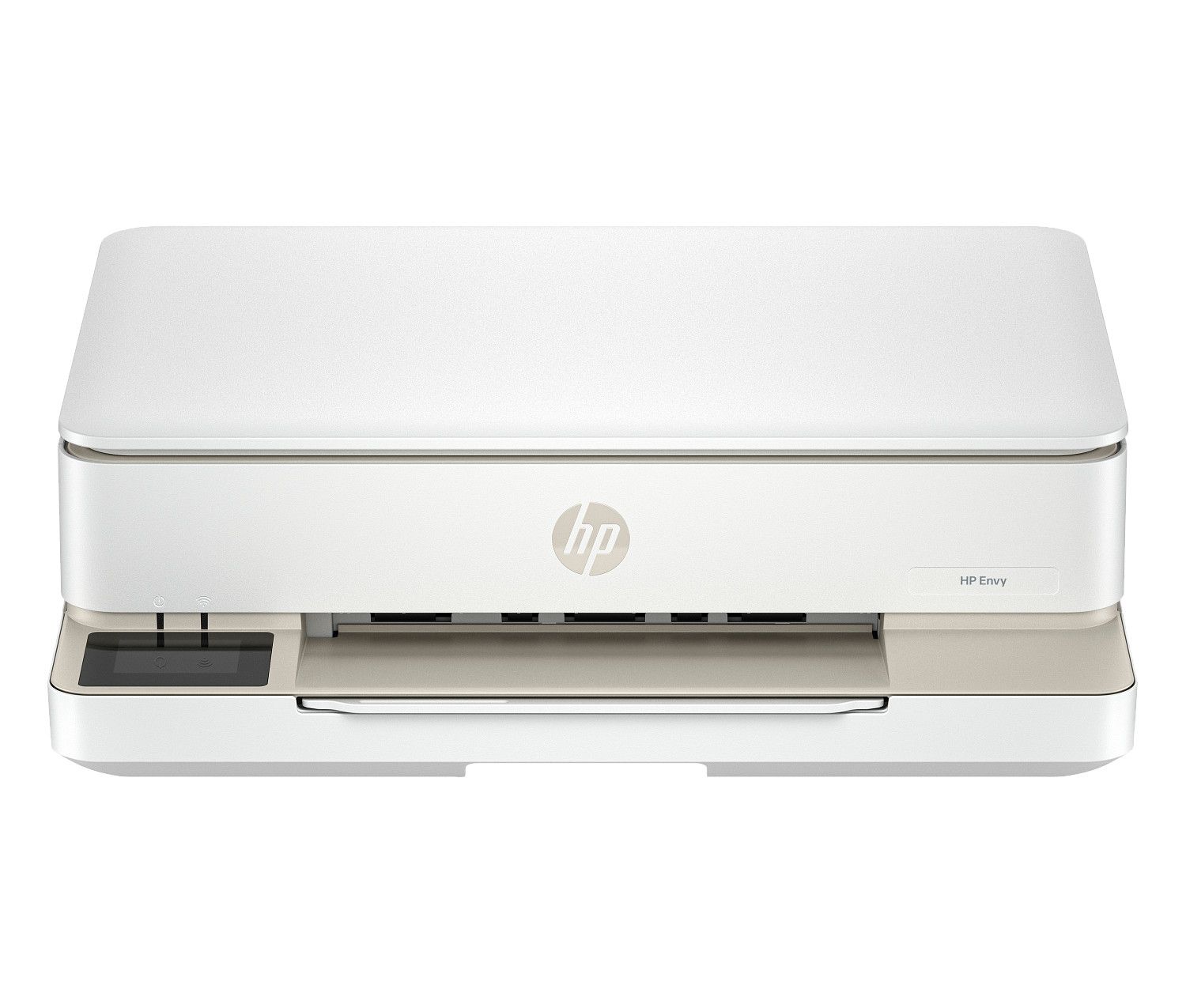
$159.99
Stylish wireless all-in-one inkjet with scan and copy for versatile home printing.
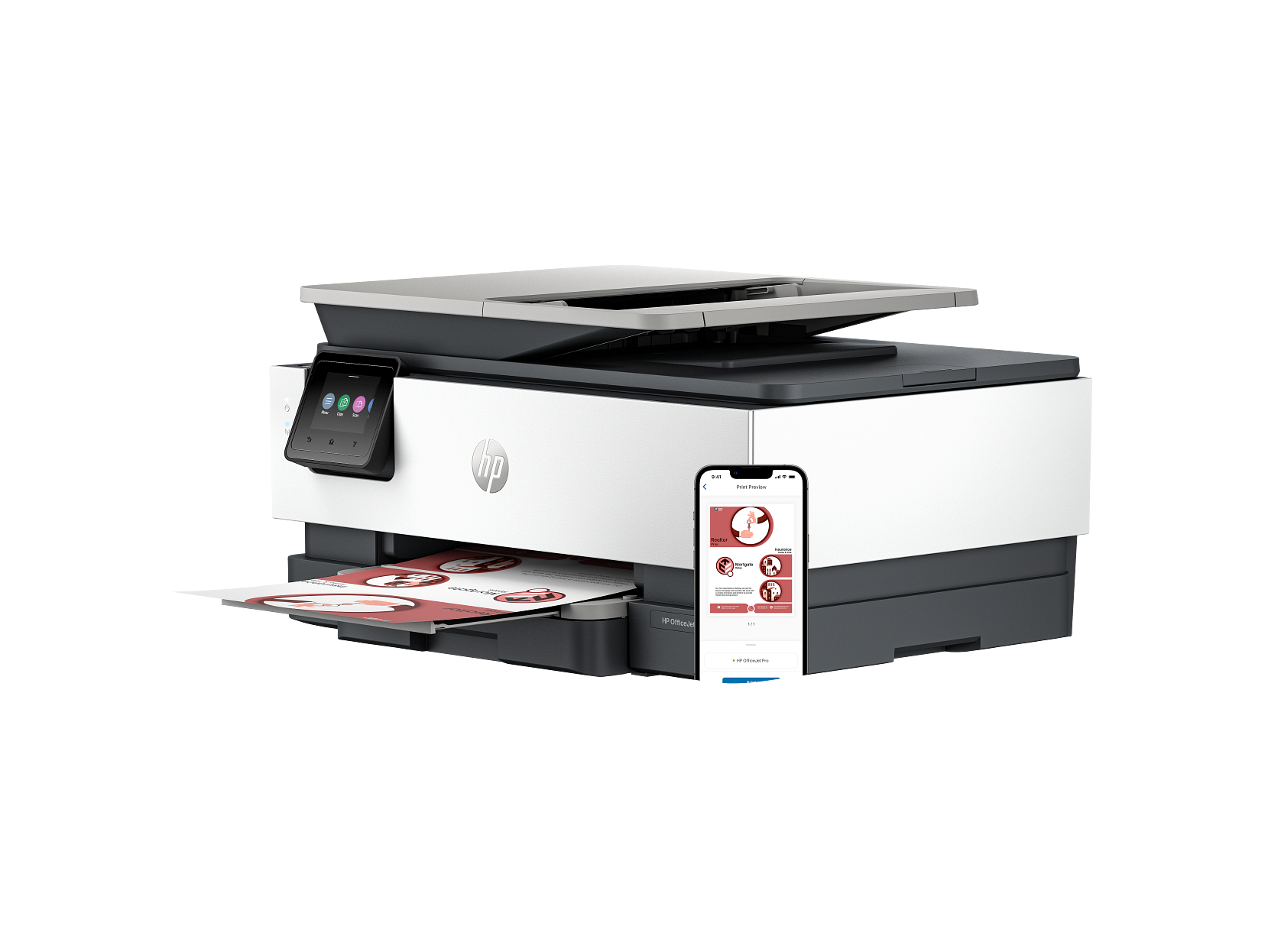
$179.99
Versatile wireless all-in-one office inkjet for productive work environments.
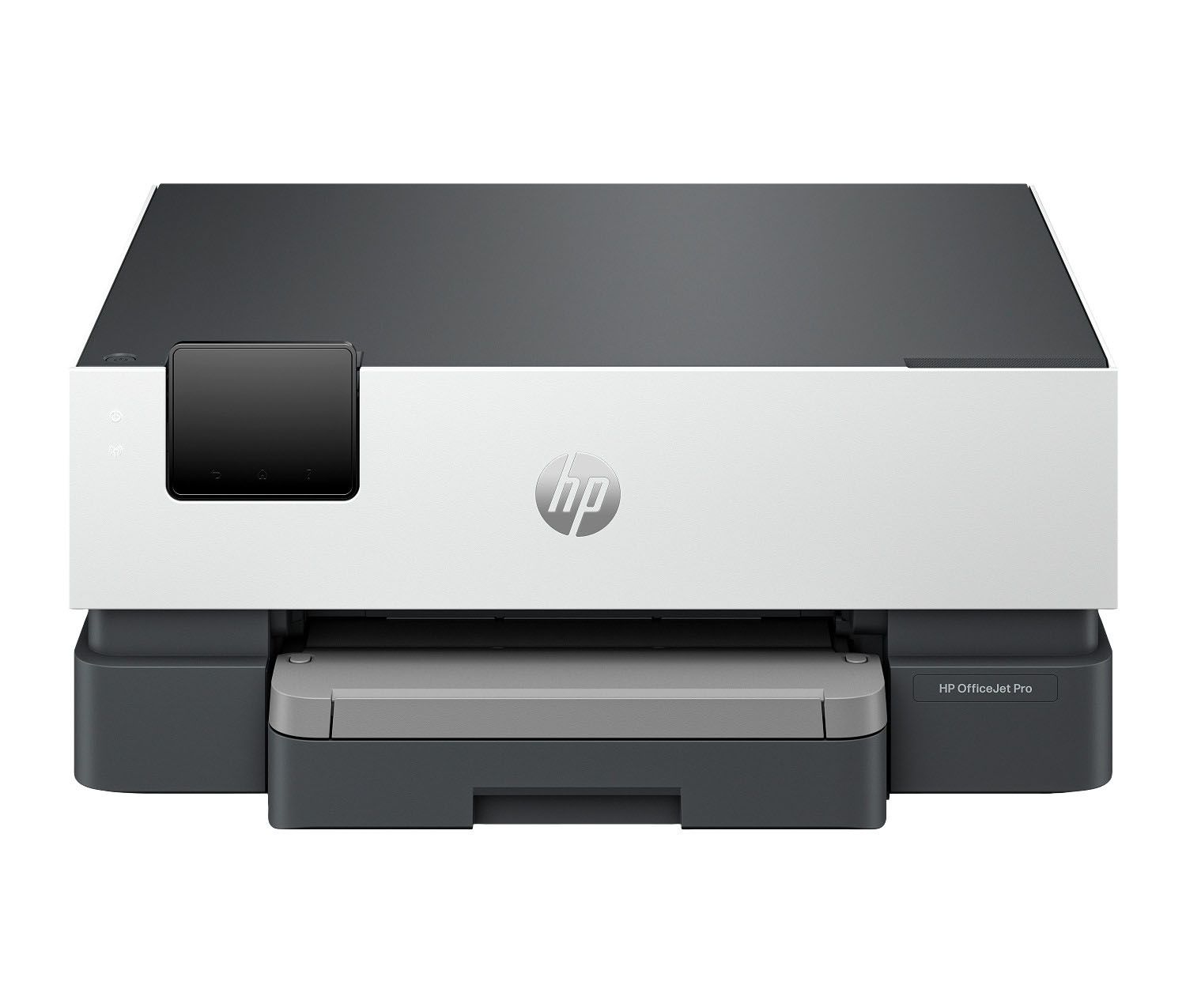
$199.99
High-performance wireless all-in-one inkjet for demanding office print, scan, and copy needs.
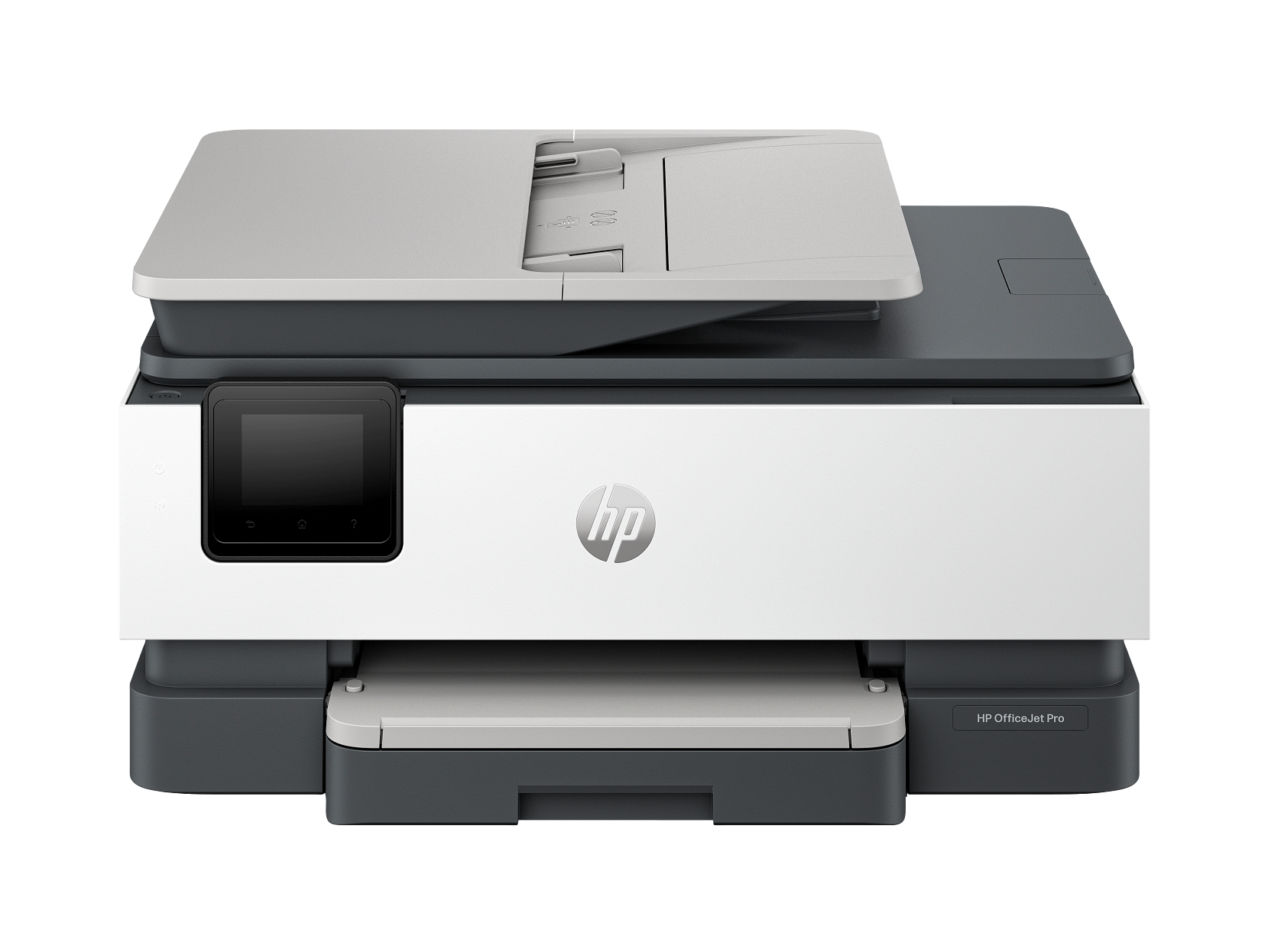
$239.99
Professional wireless all-in-one inkjet with ink trial for productive office printing.
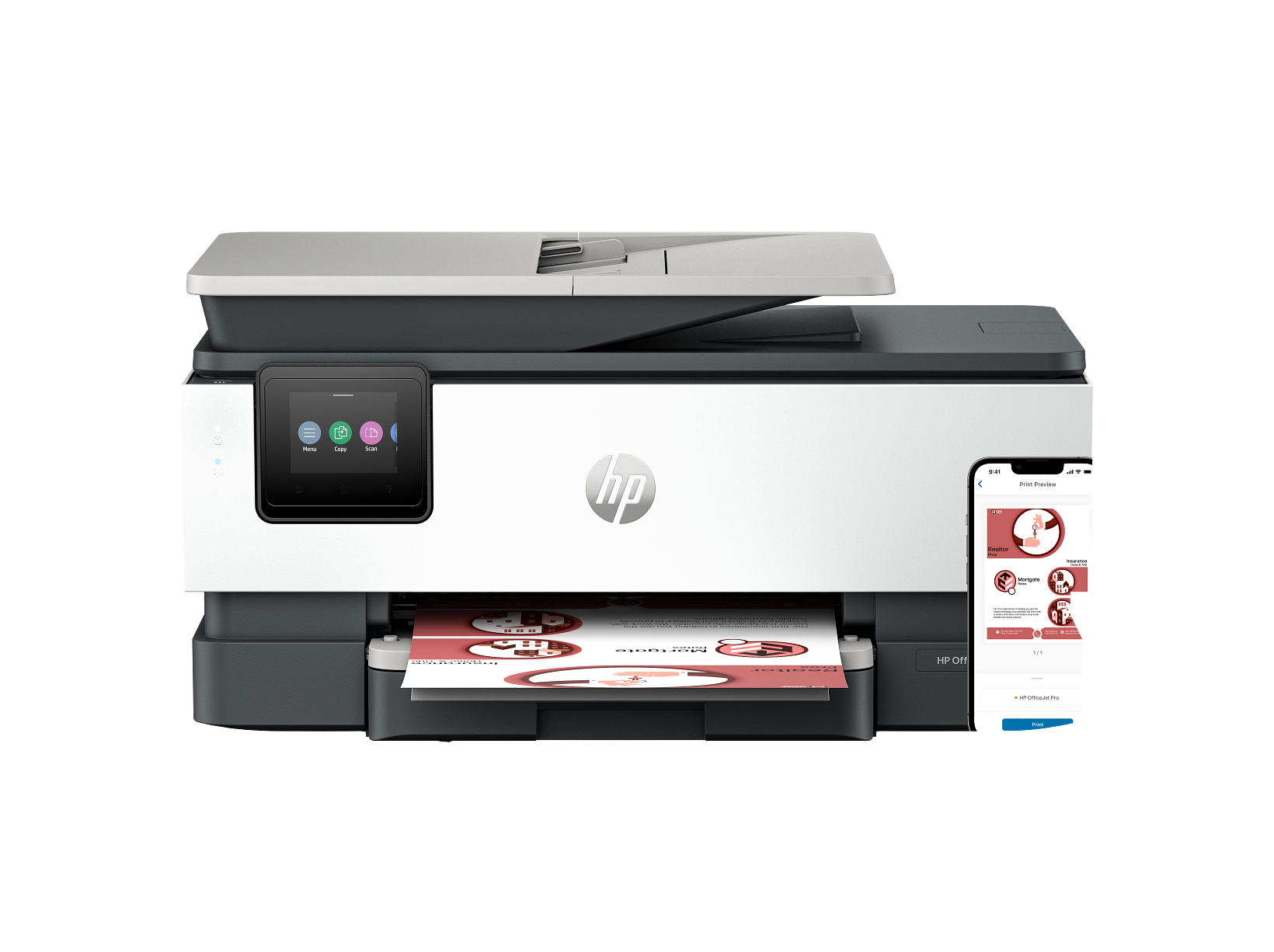
$279.99
Advanced wireless all-in-one office inkjet with auto duplex and ink trial included.
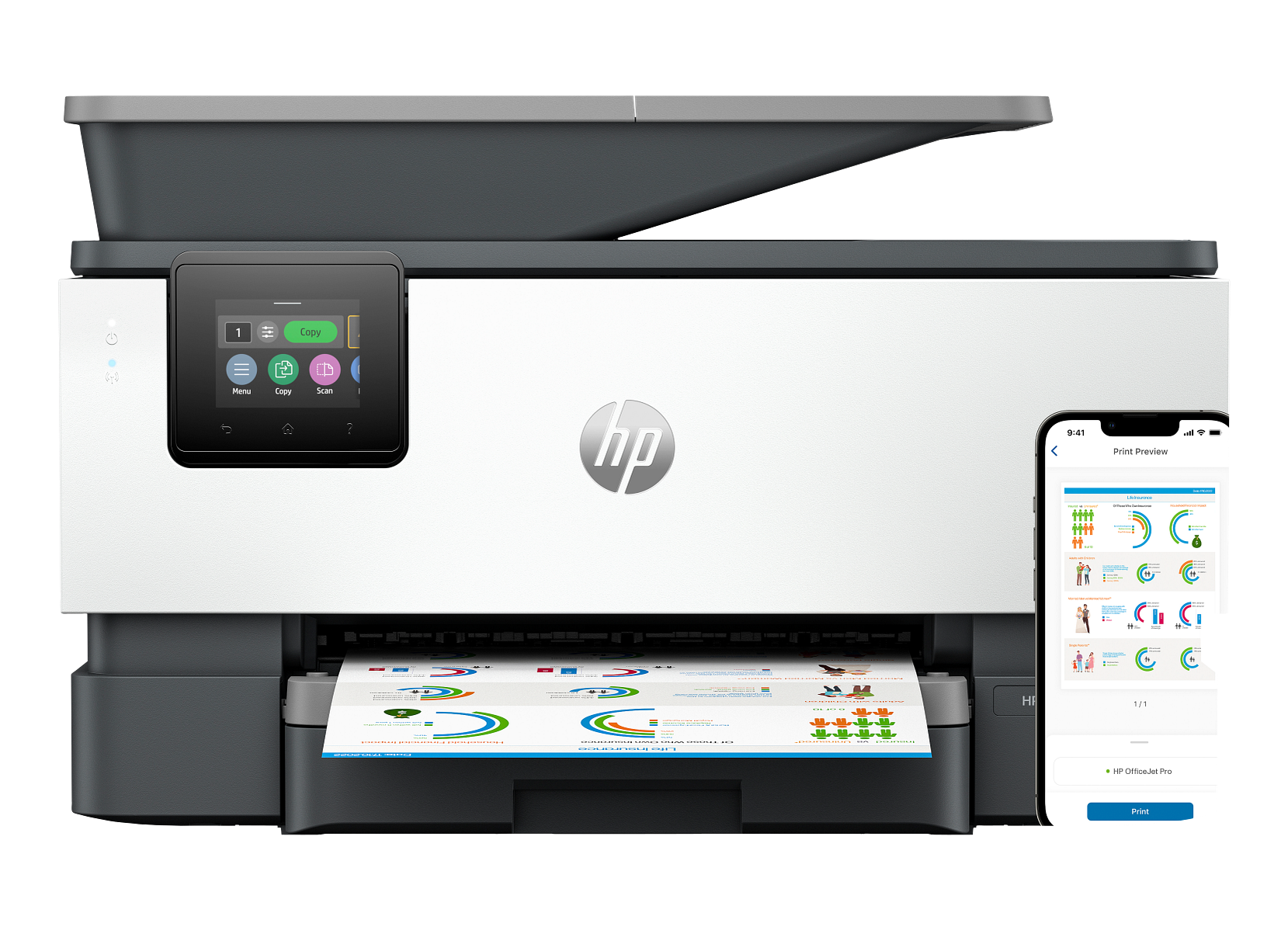
$309.99
Advanced wireless all-in-one inkjet built for high-volume office productivity.
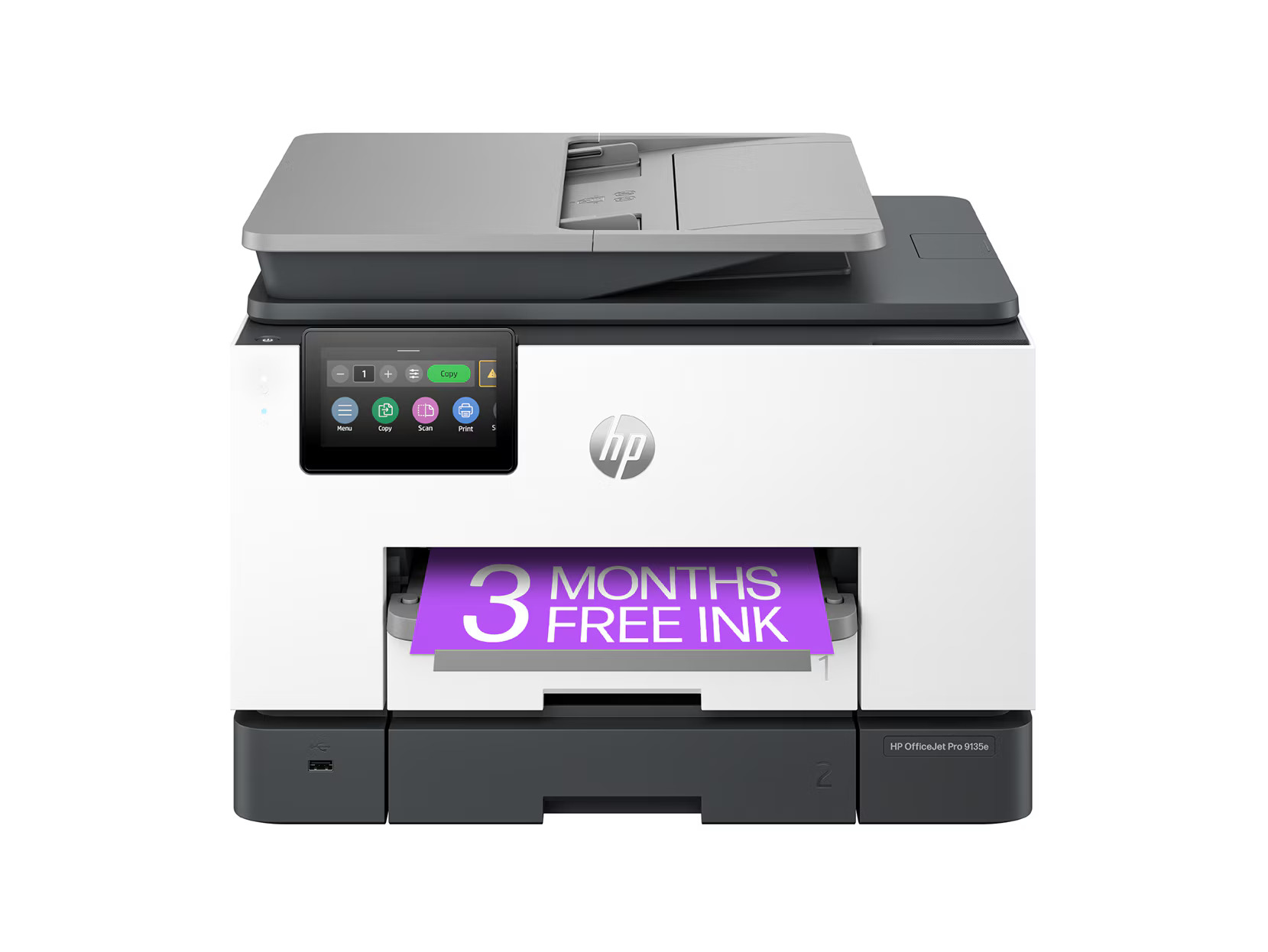
$429.99
Premium wireless all-in-one inkjet for professional office printing with scan and copy.
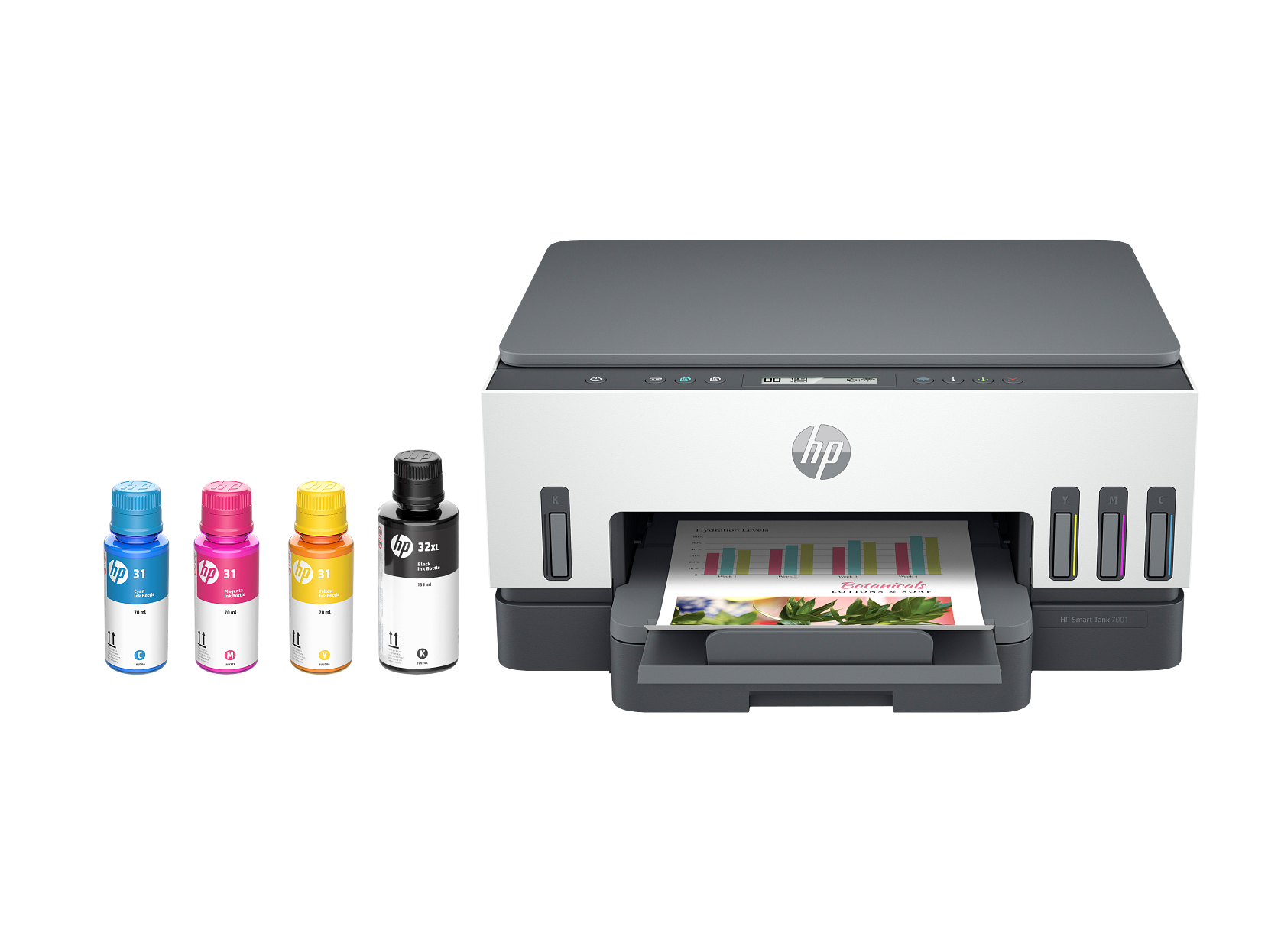
$429.99
High-capacity wireless ink tank all-in-one designed for high-volume office printing.
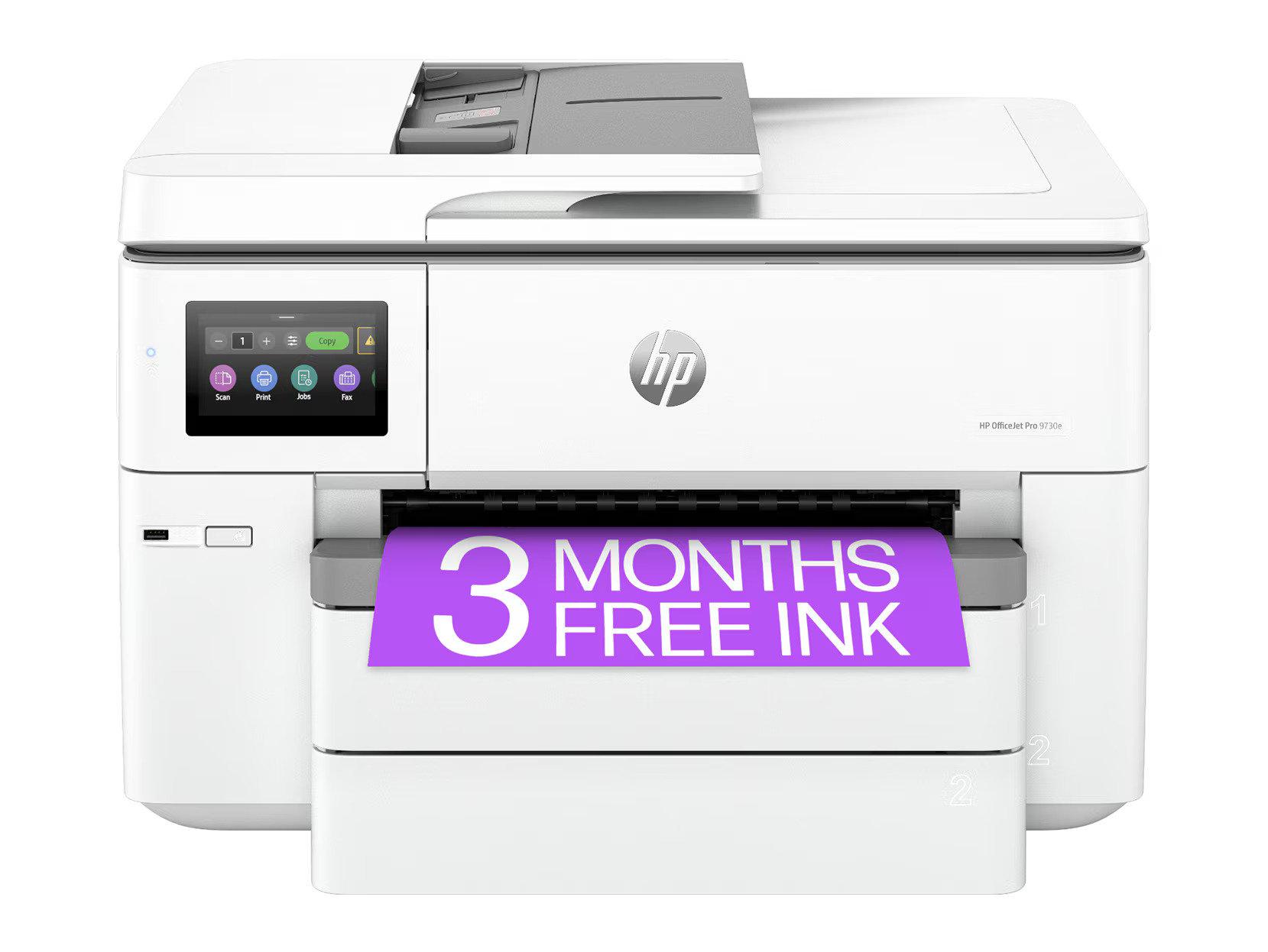
$439.99
Wide-format wireless all-in-one inkjet for professional large-document printing.
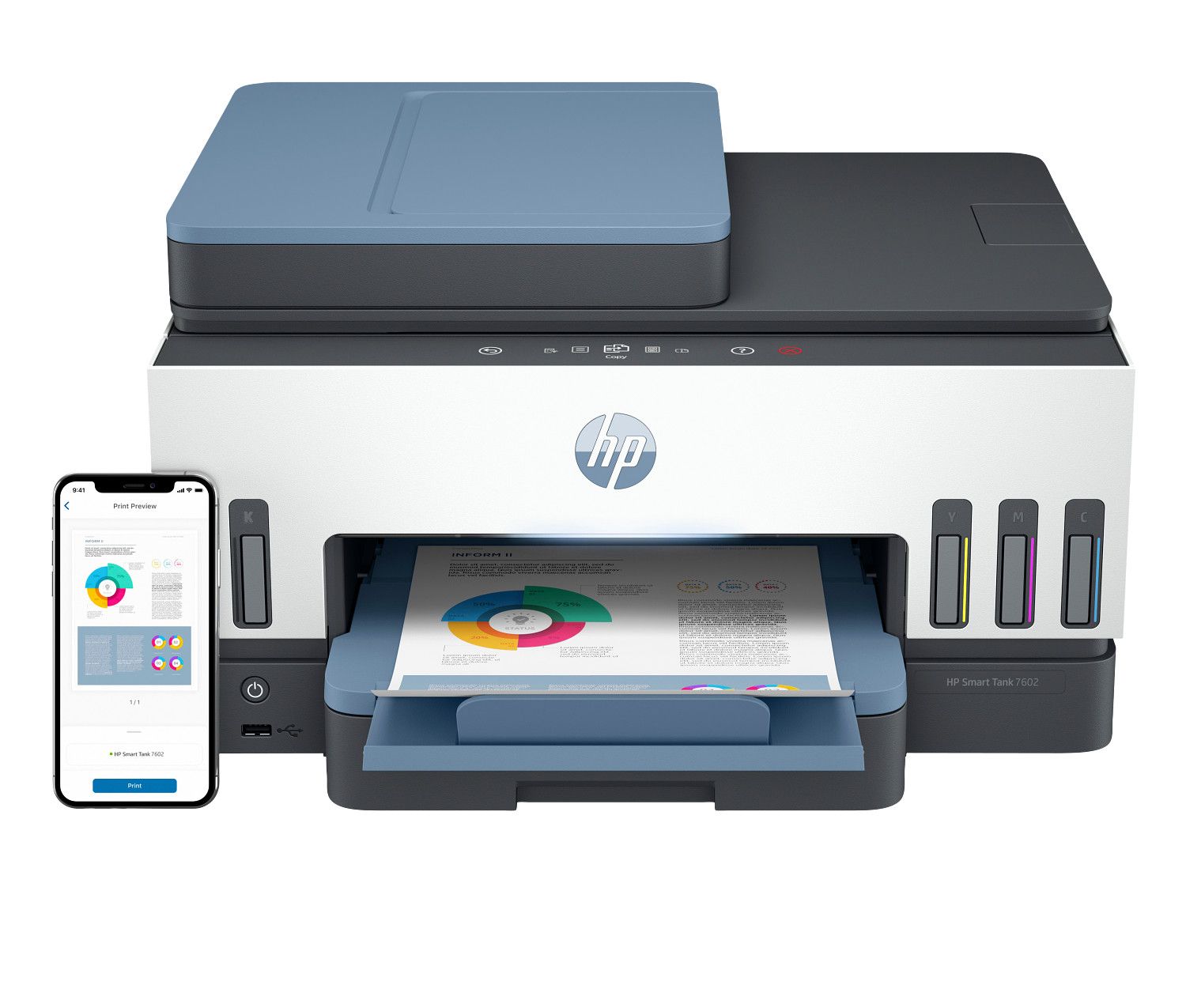
$469.99
Top-tier wireless ink tank all-in-one for high-volume office printing with fax.
Selecting the right office inkjet printer requires careful consideration of your workplace printing demands. Start by assessing your monthly print volume. Small offices printing fewer than 500 pages per month can rely on cartridge-based inkjet printers with moderate duty cycles. For offices printing 1,000 to 5,000 pages per month, ink tank printers provide significantly lower cost per page, often less than one cent for black and white prints and under three cents for color. High-volume departments printing over 5,000 pages monthly should prioritize models with the largest ink tank capacity, automatic document feeders, and robust duty cycle ratings.
Print quality is measured in dots per inch, commonly referred to as DPI. For standard office documents like reports, invoices, and memos, a resolution of 1200 by 1200 DPI produces sharp, professional text. If your office regularly prints color presentations, marketing brochures, or client-facing materials, consider models offering 4800 by 1200 DPI or higher for detailed graphics and vivid color accuracy. Many office inkjet printers now produce output quality comparable to color laser printers while maintaining lower per-page costs for color printing.
Connectivity is essential in modern office environments. Look for inkjet printers that support both Wi-Fi and Ethernet connections for flexible network integration. Wi-Fi allows multiple users to print wirelessly from desktops, laptops, and mobile devices without running cables. Ethernet provides a stable, high-speed wired connection ideal for shared network printers in larger offices. Most business-grade inkjet printers also support mobile printing through Apple AirPrint, Mopria Print Service, and manufacturer-specific mobile apps, enabling employees to print directly from smartphones and tablets.
Additional features to consider include automatic duplex printing for double-sided documents, which reduces paper consumption by up to fifty percent. Automatic document feeders speed up multi-page scanning and copying tasks. Paper tray capacity of 250 sheets or more reduces the frequency of refills during busy workdays. Security features such as PIN-protected printing, user authentication, and encrypted data transmission protect sensitive business documents in shared office environments.
Office inkjet printers with ink tank technology are an excellent alternative to color laser printers. Ink tank models deliver vibrant color output at a fraction of the cost per page compared to both traditional inkjet cartridges and laser toner. For offices that print a mix of color presentations, marketing materials, and standard black and white documents, an ink tank inkjet printer provides the best balance of print quality, speed, and operating cost. Many businesses are switching from laser to ink tank inkjet printers to reduce their printing costs while maintaining professional-quality output.
Setting up an office inkjet printer for a shared work environment requires proper network configuration. Connect the printer to your office network using Ethernet for the most reliable connection in high-traffic environments, or use Wi-Fi for flexible placement without running cables. Configure the printer's IP address as static through your router settings to ensure consistent network access. Install the printer driver on all workstations that need access, and add the printer as a shared network device in your operating system's printer settings. Most office inkjet printers include a web-based administration panel accessible from any browser on the network for managing settings, monitoring ink levels, and viewing print usage reports.
Office inkjet printer maintenance includes regular print head care to maintain consistent output quality, monitoring ink or toner levels to avoid running out during important print jobs, and clearing paper jams promptly to preserve the paper feed mechanism. For ink tank printers, check ink reservoir levels weekly and refill before they run empty to keep the print head in good condition. Schedule automatic maintenance tasks through the printer's built-in firmware or management software. Replace paper regularly and store it in a dry environment to prevent moisture-related paper feed issues and maintain print quality. Wipe the flatbed glass and automatic document feeder rollers monthly with a soft lint-free cloth to ensure high-quality copies.
To maximize productivity with your office inkjet printer, set default print settings to draft mode and grayscale for everyday internal documents to conserve ink and increase print speed. Configure automatic duplex printing as the default to reduce paper consumption by up to fifty percent. Set up secure printing with PIN codes or user authentication to protect sensitive documents in shared office environments. Create print presets for common document types such as presentations, reports, and envelopes to save time and ensure consistent output. Monitor monthly print volume and cost per page using the printer's built-in reporting tools to track office printing expenses and identify opportunities for cost savings.
Office inkjet printers with ink tank technology have become a compelling alternative to traditional laser printers for many business environments. Color laser printers typically cost between three hundred and eight hundred dollars and require toner cartridge replacements costing one hundred to three hundred dollars per set. In contrast, ink tank office printers cost two hundred fifty to five hundred dollars and use ink refill bottles costing ten to twenty dollars per color, printing up to 12,000 black pages or 8,000 color pages per fill. Over a 12-month period printing 1,000 pages per month, an ink tank inkjet printer can save an office forty to sixty percent on supply costs compared to a color laser printer.
Print quality differences between office inkjet and laser printers have narrowed significantly. Modern office inkjet printers produce sharp, smudge-resistant text suitable for contracts, presentations, and client correspondence. For color output including charts, graphs, marketing materials, and photo inserts, inkjet technology produces more vibrant and accurate colors than laser toner. Inkjet printers also run more quietly than laser printers, making them better suited for open-plan offices and reception areas. The main advantage of laser printers remains speed for very high volume black and white printing, but ink tank inkjet models printing 15 to 25 pages per minute now satisfy the needs of most small to mid-size offices.